Ask, Don't Search: AI Assistant in the Bifrost Docs
Get instant answers about the Bifrost platform with the new AI assistant built into our docs.
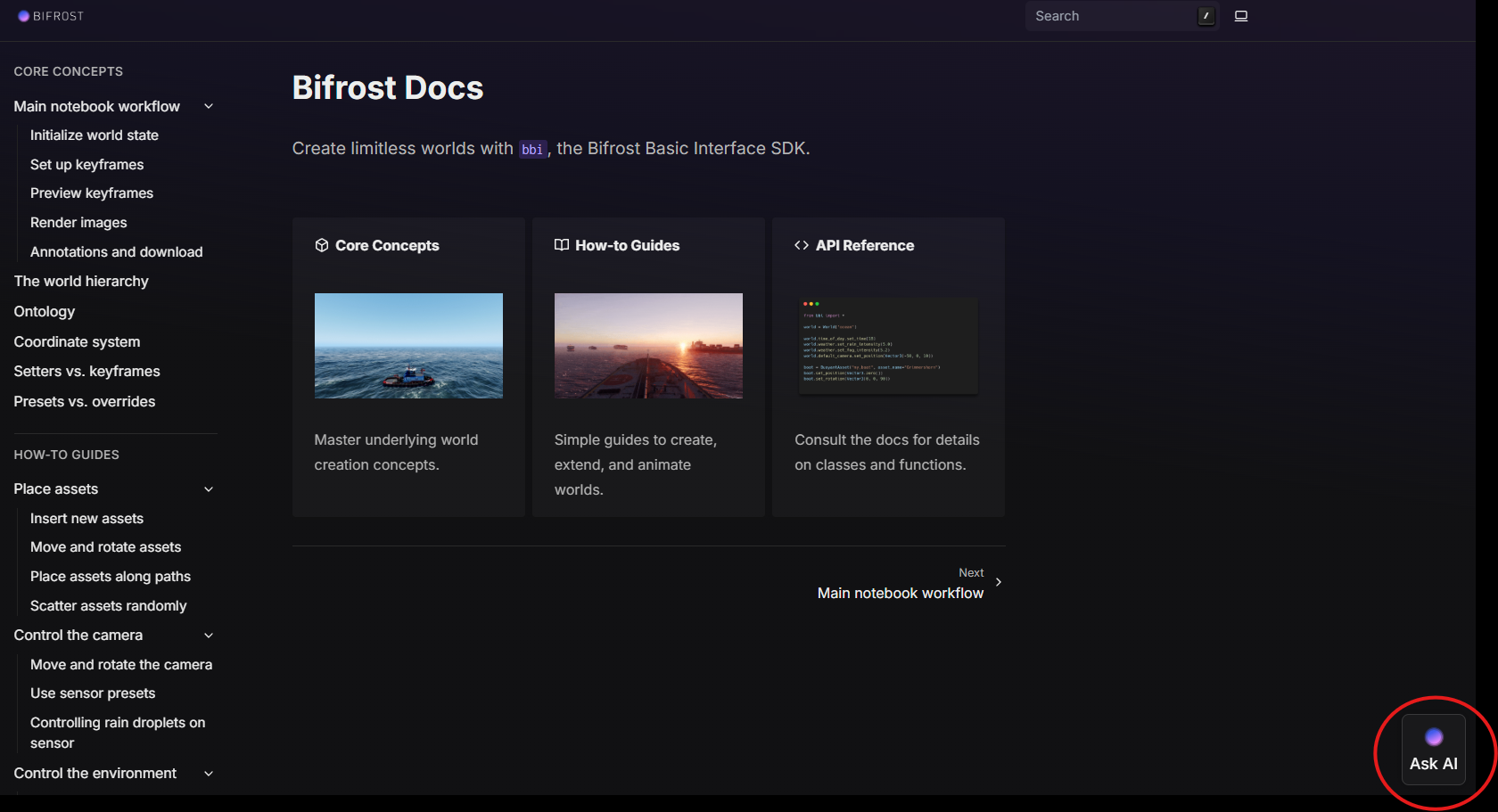
Your questions about the platform, answered instantly.
When you're mid-notebook and need to check a render parameter or an annotation format, digging through docs pages breaks your flow. You know the answer exists - you just want it now.
So we've added an AI assistant to the Bifrost docs. Ask it a question about the platform and it answers directly, right on the page.
What's New
- An AI assistant built into the docs at docs.app.bifrost.ai
- Ask questions in plain language - no more hunting through pages for the right section
- Answers grounded in the Bifrost documentation, so you get platform-specific guidance, not generic advice
Stay in flow while you build
The docs cover everything from scene setup to sensor configuration, but search only works when you know what a feature is called. The assistant works the other way: describe what you're trying to do, and it points you to the answer.
Setting up a new sensor? Debugging a scenario config? Ask, get the answer, keep building.
Help us make it better
We're actively improving the assistant, and real questions from real builds are the best training signal. If it nails an answer - or misses one - we want to hear about it.
Try it on your next session
Head to docs.app.bifrost.ai and ask it anything about the platform.
Not on Bifrost yet? Get in touch
